
iMovie is Apple’s free video editor for Mac and iOS, and there is no official iMovie for Windows. If you are on a PC and looking for what iMovie does, this guide covers why it cannot run on Windows and which tools come closest to replacing it.
What is iMovie?
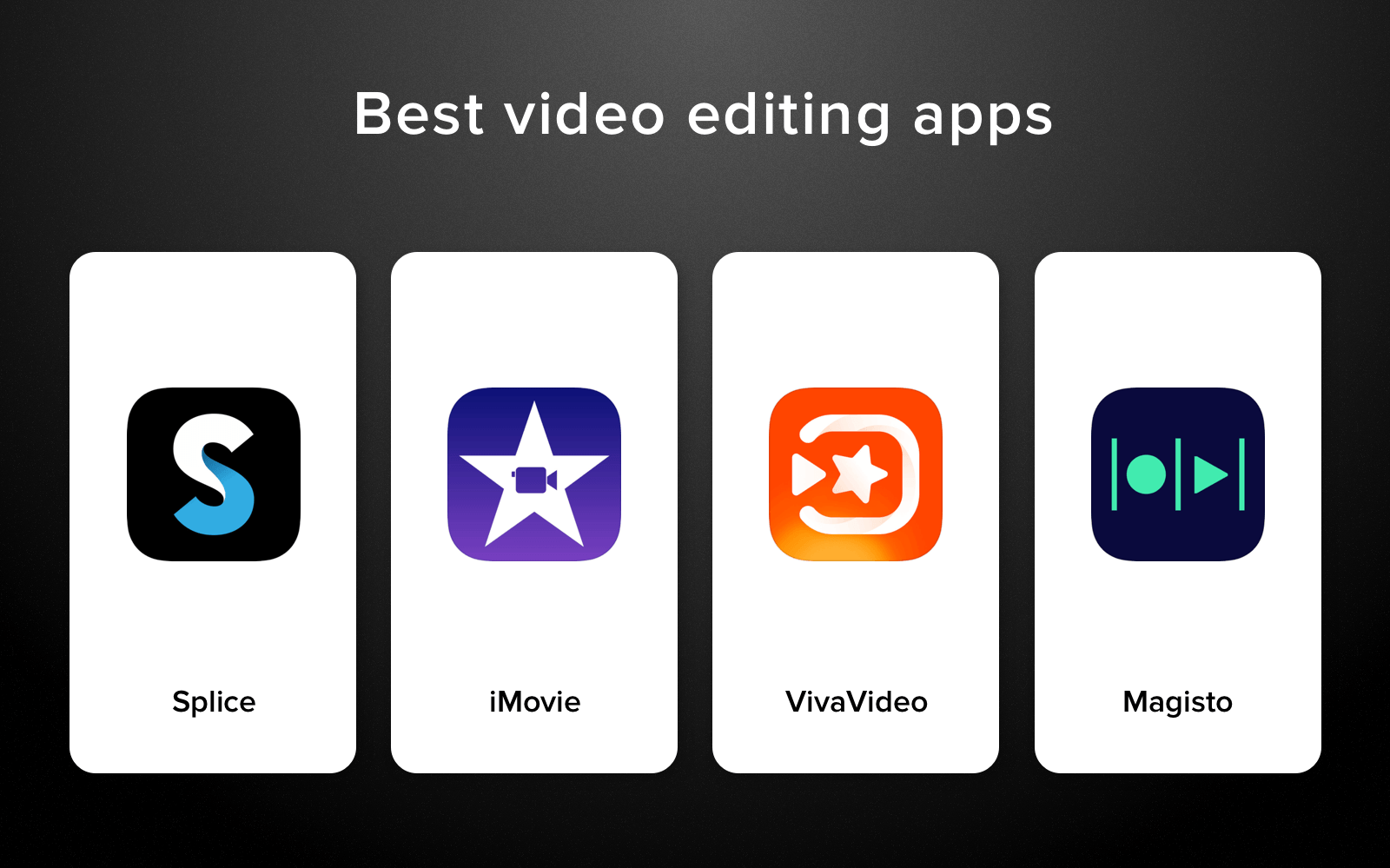
iMovie is a free video editing app developed by Apple. It is available on macOS, iPhone, and iPad, and is one of the most popular beginner editors because it is simple, fast, and produces good-looking output without a learning curve. It handles basic cutting and trimming, color correction, titles, transitions, background music, and green screen effects. Projects sync between Mac and iOS through iCloud. It is completely free for Apple device owners.
Can you use iMovie on Windows?
No. iMovie is a macOS and iOS exclusive. Apple has not released a Windows version and has not announced plans to do so. It cannot be installed through an Android emulator because iMovie is not an Android app. The only way to use actual iMovie is on a Mac, iPhone, or iPad.
Windows users need a different app. The good news is that several free editors cover iMovie’s feature set on Windows, and some go further in what they offer.
How to get iMovie-like video editing on Windows
Option 1: CapCut for PC (free, native Windows app)
- Download CapCut from the official CapCut website and install it on your Windows 10 or 11 machine.
- Open CapCut and create a new project. Import your video clips from your files.
- Edit on the timeline: trim clips, add transitions, titles, background music, and text overlays.
- Use the auto-caption feature to generate subtitles automatically, or the background remover for green screen work.
- Export your finished video. CapCut exports without a watermark and supports up to 4K resolution.
Option 2: DaVinci Resolve (free, professional-grade)
- Download the free version of DaVinci Resolve from blackmagicdesign.com.
- Install and open it. Create a new project and import your media.
- Use the Cut or Edit page for basic editing. The Cut page is the quickest to learn and is designed for fast assembly.
- Apply color corrections, titles, and transitions. Export using the Deliver page.
What iMovie features to look for in Windows alternatives
- Simple timeline editing: Drag clips onto a track, trim them, and reorder without needing to learn keyboard shortcuts for basic tasks.
- Transitions and titles: Pre-built transition styles and text overlays with font and animation options.
- Background music library: Built-in royalty-free music or the ability to import your own audio tracks.
- Green screen (chroma key): Remove a green or blue background behind a subject without a separate tool.
- Color correction: Basic exposure, contrast, and color grading tools.
- Export without a watermark: iMovie exports clean video for free, so any replacement should do the same.
System requirements
| Component | Minimum | Recommended |
|---|---|---|
| OS | Windows 10 (64-bit) | Windows 10/11 (64-bit) |
| RAM | 4 GB | 8 GB or more |
| Storage | 5 GB free | SSD with 20+ GB free |
| GPU | DirectX 11 compatible | Dedicated GPU with 2 GB VRAM |
| CPU | Intel i3 / Ryzen 3 | Intel i5 / Ryzen 5 or better |
Common issues when switching from iMovie to Windows
iMovie projects do not transfer to Windows editors
iMovie saves projects in a proprietary format that no Windows editor can open. The workaround is to export your iMovie project as an MP4 or MOV file on your Mac first, then import that video file into your Windows editor. You will lose the ability to re-edit the individual clips, but the rendered video can be brought in.
Missing royalty-free music on Windows alternatives
iMovie has a built-in music library. CapCut has its own library, but it is licensing is tied to CapCut’s terms of service for social media use. DaVinci Resolve does not include a music library; you need to source your own tracks from sites like Pixabay or Artlist.
iCloud project sync does not work on Windows
iMovie’s iCloud sync between Mac and iPhone is Apple-only and has no equivalent on Windows. If you switch to CapCut, it has a cloud sync feature for projects between devices on its platform.
Alternatives to iMovie for Windows
For most people making basic videos, CapCut for PC is the most direct iMovie replacement on Windows. It is free, exports without a watermark, and the interface is closer to iMovie’s simplicity than most other options. Auto-captions and AI background removal are features iMovie does not even have.
DaVinci Resolve is free and handles everything iMovie does plus a lot more, including multi-camera editing, color wheels, noise reduction, and Fusion for motion graphics. The learning curve is steeper, but you will not outgrow it. Filmora is a paid option with a clean interface similar to iMovie, with templates and overlays that make it easy to get polished results quickly. Clipchamp is built into Windows 11 and handles simple projects without installing anything extra, though its feature set is more limited than the other options.
FAQ
Is there a free iMovie for Windows?
There is no Windows version of iMovie. CapCut for PC is the closest free alternative for simple video editing on Windows with no watermark on exports.
Can I run iMovie on Windows through an emulator?
No. Android emulators run Android apps, and iMovie is a macOS/iOS app. There is no practical way to run iMovie on Windows through emulation.
What is the Windows equivalent of iMovie for beginners?
CapCut for PC is probably the closest match in terms of ease of use and price (free). Clipchamp, built into Windows 11, is also worth trying if you want something already installed.
Can I edit iPhone videos on Windows without iMovie?
Yes. Transfer your iPhone video files to Windows via USB or iCloud Drive, then import them into CapCut or DaVinci Resolve. HEVC (.hevc or .mov) files from iPhones may need a codec installed on Windows to play back; the HEVC Video Extensions from the Microsoft Store handles this.
Does CapCut do everything iMovie does?
For basic editing, yes. CapCut covers trimming, transitions, titles, music, green screen, and color adjustments. It adds features iMovie does not have, like auto-captions and AI tools. It does not have iMovie’s trailer templates or the iOS-to-Mac project handoff.
Is DaVinci Resolve too complicated as an iMovie replacement?
The Cut page in DaVinci Resolve is specifically designed for quick assembly and is not far from iMovie in complexity. If you are willing to spend an hour learning the basics, it becomes a more capable tool than iMovie ever was.
If you are looking for a straightforward iMovie replacement, start with our CapCut for PC guide. For comparison with other mobile-style editors available through emulators, our KineMaster for PC guide is worth reading alongside it.



Leave a Reply
You must be logged in to post a comment.